


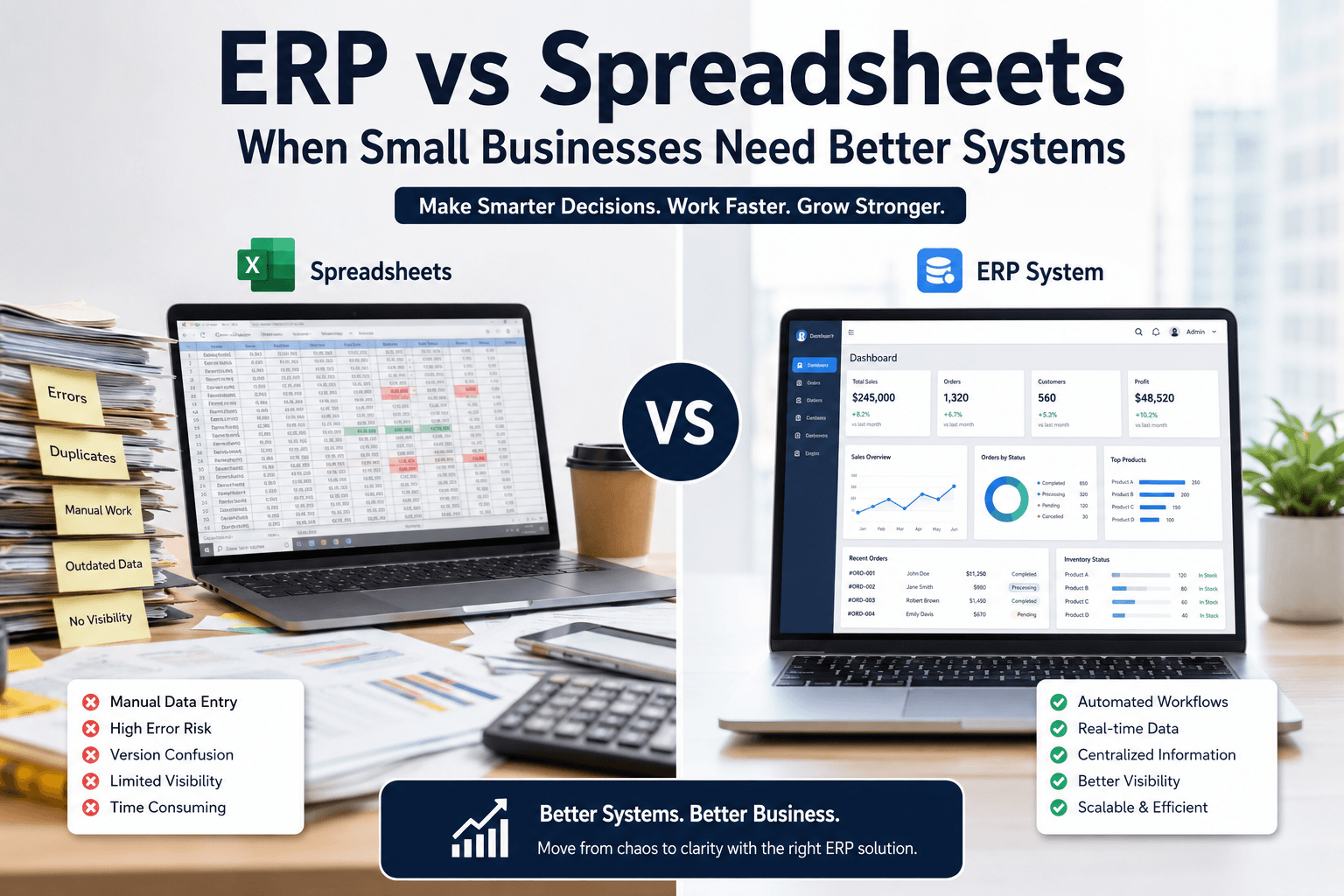
Many small businesses start with spreadsheets.
At first, spreadsheets feel simple, affordable, and flexible. They help companies manage inventory, payroll, customer information, reporting, and operations without investing in expensive software.
But as businesses grow, spreadsheets often become harder to manage.
Teams start working with different versions of files. Reporting becomes inconsistent. Manual errors increase. Important information gets lost between departments. Owners spend more time fixing operational problems instead of focusing on growth.
This is usually the point where businesses begin comparing ERP systems vs spreadsheets.
The question is no longer:
“Can spreadsheets work?”
The real question becomes:
“Can spreadsheets continue supporting business growth efficiently?”
In this article, we will explain the differences between ERP systems and spreadsheets, the common operational problems businesses face, and when it makes sense to move toward a more connected business system.
What Is a Spreadsheet-Based Business System?
Many businesses rely on spreadsheets to manage daily operations.
Teams often use spreadsheets for:
- Inventory tracking
- Payroll records
- Sales reports
- Customer information
- Financial data
- Order management
- Employee schedules
- Budgeting
- Reporting
Spreadsheets are popular because they are easy to start with. Most employees already know how to use them, and they do not require major setup costs.
For smaller businesses with limited operations, spreadsheets can work well initially.
However, problems usually begin when operations become more complex.
What Is an ERP System?
ERP stands for Enterprise Resource Planning.
An ERP system connects different parts of a business into one centralized platform.
Instead of managing separate spreadsheets across departments, an ERP system helps businesses manage operations in one connected environment.
ERP systems often include:
- Inventory management
- Accounting
- Payroll
- HR management
- Customer management
- Purchasing
- Reporting
- Workflow automation
- Financial visibility
The goal is to reduce manual work, improve operational visibility, and help businesses scale more efficiently.
The Biggest Problem With Spreadsheets
The biggest issue is not spreadsheets themselves.
The real problem is operational fragmentation.
As businesses grow, spreadsheets often create:
- Duplicate data
- Manual entry errors
- Reporting inconsistencies
- Version confusion
- Delayed communication
- Limited visibility
- Time-consuming processes
For example, sales teams may update one spreadsheet while accounting works from another version.
Inventory numbers may not match actual stock levels.
Payroll information may require manual updates across multiple files.
These problems create operational friction that slows business growth.
ERP vs Spreadsheets for Small Businesses
Let’s compare both systems in practical business terms.
1. Data Accuracy
Spreadsheets
Spreadsheets rely heavily on manual input.
This increases the risk of:
- Human errors
- Incorrect formulas
- Missing information
- Duplicate entries
Even small mistakes can create larger operational issues.
ERP Systems
ERP systems centralize information automatically.
This reduces duplication and helps departments work from the same data source.
2. Scalability
Spreadsheets
Spreadsheets become harder to manage as businesses grow.
More employees, customers, products, and transactions increase complexity quickly.
ERP Systems
ERP systems are designed to support business growth.
They help businesses manage larger operations more efficiently.
3. Reporting and Visibility
Spreadsheets
Reporting often becomes slow and inconsistent.
Managers may need to combine data manually from different departments.
ERP Systems
ERP systems provide centralized dashboards and reporting.
This improves operational visibility and decision-making.
4. Collaboration
Spreadsheets
Multiple employees editing spreadsheets can create confusion.
Version control becomes difficult.
ERP Systems
ERP systems allow teams to work within one connected platform.
This improves collaboration across departments.
5. Automation
Spreadsheets
Most spreadsheet tasks require manual work.
This increases administrative workload over time.
ERP Systems
ERP systems automate many repetitive business processes.
Examples include:
- Payroll processing
- Inventory updates
- Invoice generation
- Reporting workflows
- Order tracking
Automation saves time and reduces operational errors.
Signs Your Business Has Outgrown Spreadsheets
Many businesses continue using spreadsheets longer than they should.
Here are common warning signs.
Your Team Constantly Fixes Errors
If employees regularly correct spreadsheet mistakes, operational risk increases.
Reporting Takes Too Long
Business reporting should not require hours of manual work every week.
Departments Work Separately
Disconnected systems create communication gaps.
Inventory Problems Keep Happening
Inventory mismatches often signal operational visibility issues.
Payroll Becomes Difficult to Manage
Manual payroll systems become risky as teams grow.
Business Decisions Lack Clear Data
Growing businesses need accurate real-time information.
Why Many Small Businesses Delay ERP Adoption
Some businesses avoid ERP systems because they believe:
- ERP is only for large corporations
- ERP systems are too expensive
- Implementation is too complicated
- Current systems are “good enough”
In reality, modern ERP systems are becoming more accessible for small and medium businesses.
The cost of operational inefficiency often becomes higher than the cost of improving systems.
Common ERP Implementation Mistakes
Businesses should still approach ERP carefully.
Common mistakes include:
- Choosing overly complex systems
- Poor implementation planning
- Lack of employee training
- Ignoring operational workflows
- Weak internal communication
- Trying to customize everything
Successful ERP implementation requires planning, operational clarity, and realistic goals.
ERP Is Not Just About Software
This is important.
ERP is not only a technology decision.
It is an operational decision.
The goal is not simply replacing spreadsheets.
The goal is improving:
- Workflow visibility
- Operational efficiency
- Team collaboration
- Reporting accuracy
- Scalability
- Decision-making
Businesses that understand this usually gain much more value from ERP systems.
The Future of Business Operations
As businesses continue adopting automation, AI, connected workflows, and cloud systems, operational complexity will continue increasing.
Manual spreadsheet management becomes harder to sustain over time.
Modern businesses increasingly need:
- Centralized systems
- Real-time visibility
- Connected operations
- Workflow automation
- Better reporting
- Smarter decision-making
ERP systems help businesses create this operational structure.
Final Thoughts
Spreadsheets are useful tools, especially for businesses in early stages.
But growing businesses eventually reach a point where spreadsheets create operational limitations instead of operational support.
ERP systems help businesses move from disconnected manual processes toward more connected and scalable operations.
The right system depends on business size, workflows, goals, and operational complexity.
The most important step is recognizing when operational growth requires better systems.
Looking to Improve Business Operations?
Modern businesses need better visibility, connected systems, and smarter workflows to scale effectively.
At XVanTech, we help businesses improve operational efficiency through ERP consulting, business systems, workflow optimization, and digital transformation solutions.
If your business is struggling with disconnected systems, reporting issues, manual workflows, or operational inefficiencies, our team can help you create a more scalable and efficient operational structure.
Contact us today to learn how better systems can support your business growth.

